

The fastest way to finish more minis is a low-friction tracking system: pick a hobby-focused mobile app (like Basecoat, The Painting Ledger, or Miniature Portal), a copy-paste spreadsheet paired with a synced photo log, or a hybrid of both with a quick-access physical setup. Each approach works. The one you’ll actually stick with depends on how many minis you’re painting and what you want to get out of the data.
- Casual painters with a small number of minis at a time: A mobile app with a simple backlog/WIP/done pipeline is enough. Low setup, low maintenance.
- Army and collection painters: A spreadsheet or a feature-rich app with paint inventory and recipe saving pays off fast. You’ll thank yourself six months later when you’re matching colors across 40 infantry.
- Commission painters: Session timers and logged hours are non-negotiable. You can’t price work you haven’t measured.
The concept of the “pile of shame” — that growing stack of unpainted minis — is a real psychological weight for most hobbyists. Painting progress tracking for hobbyists isn’t about bureaucracy. It’s about making the next session easier to start and the finish line visible.
Pro Tip: Keep your in-use paints on a small rack within arm’s reach of your workspace. Searching for paints is one of the most common reasons sessions never start — removing that friction alone increases your painting velocity.
Table of Contents
- What do hobby tracking apps actually do?
- How to build a DIY spreadsheet and photo log you’ll actually use
- How to structure each project so you can actually measure progress
- How do metrics and gamification help you beat the pile of shame?
- Practical ways to track your paint inventory and swatches
- How to set up your workstation to make starting easier
- How do you choose between an app, a spreadsheet, or a hybrid system?
- Key Takeaways
- The tracking habit that actually changed how I paint
- A low-friction project that fits any tracking system
- FAQ
What do hobby tracking apps actually do?
Dedicated hobby apps are built around the way miniature painters actually work, which is why they outperform general art inventory tools for finishing goals. Artwork Archive and similar professional tools prioritize provenance and valuation. Hobby apps prioritize getting models off the sprue and onto the shelf.
The core feature sets you’ll find across hobby tracking apps:
- Session timers: — Track actual hours per project. The Painting Ledger makes this a one-click start from any miniature, which is exactly the kind of low-friction design that gets used.
Which app fits your painting goals?
| Best for | Platform | Paint inventory | Project detail fields | Export/share | Pricing |
|---|---|---|---|---|---|
| Lightweight tracking, casual painters | Mobile (iOS/Android) | Basic | Photos, stages, tags, streaks | Progress cards | Free tier; paid unlocks more models |
| Recipe saving, army consistency | Web + mobile | Full arsenal | Schemes, recipes, session logs, photos | Infographics, charts | Free + paid tiers |
| Inventory + community sharing | Web + mobile | Full library + AI color analysis | Paint tracking, upload logs | Community posts | Free tier; paid for AI features |
| Commission pricing, detailed logs | Mobile + web | Full arsenal | Timers, schemes, achievements, phase tracking | Shareable hobby stats | Subscription |
A few quick recommendations based on what you actually want:
- If you want repeatable schemes and recipe saving, prioritize apps with mix-ratio logging and version history.
- If you want shareable stats and community feedback, look for apps with infographic exports and community feeds.
- If you want commission pricing support, a session timer that logs hours per project is the feature that matters most.
- If you want minimal setup, a mobile-first app with a free tier and a simple stage pipeline gets you started in under five minutes.
Before committing, check the app’s listing in the iOS App Store or Google Play to confirm it’s actively maintained. Look at the “last updated” date — an app that hasn’t been touched in two years is a risk for your data.
How to build a DIY spreadsheet and photo log you’ll actually use
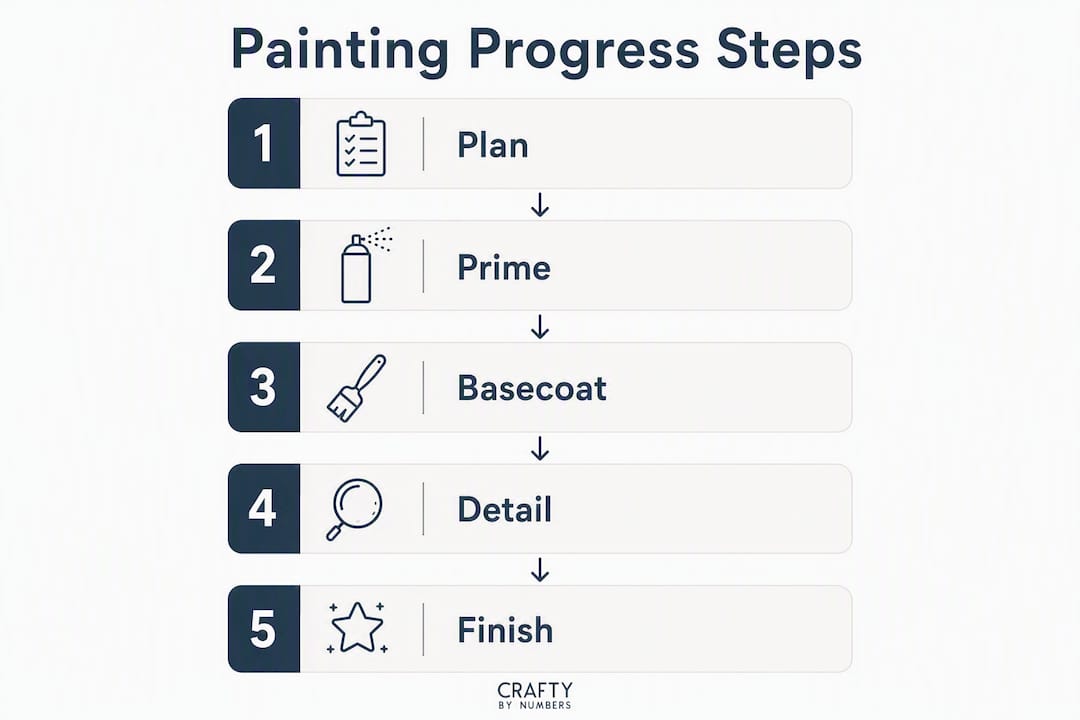
No app required. A Google Sheets or Excel spreadsheet with a linked photo folder covers everything most painters need, and it’s free.
Recommended spreadsheet fields
| Field | Description |
|---|---|
| Kit/Project Name | The miniature set or kit title |
| Unit Name/Slot | Individual mini identifier (e.g., “Sergeant”) |
| Unit Count | Number of minis in the batch |
| Stage | Current stage (Primed / Basecoat / Details / Basing / Varnished / Done) |
| Paints Used | Brand + code for each paint applied |
| Recipe Notes | Layer sequence, dilution ratios, mix steps |
| Photo Link | URL to Google Photos, Drive folder, or image host |
| Session Time (min) | Minutes logged in the current session |
| Total Hours | Running total across all sessions |
| Priority | High / Medium / Low |
| Date Started | MM/DD/YYYY |
| Date Finished | MM/DD/YYYY |
CSV-friendly field names for copy-paste: project_name, unit_name, unit_count, stage, paints_used, recipe_notes, photo_link, session_min, total_hours, priority, date_started, date_finished
A simple session workflow
- Set a micro-goal — One specific task: “Basecoat all armor plates on five models.” Not “work on the squad.”
For photo automation, create a dedicated album in Google Photos or a shared Drive folder per project. Drop the folder link into the photo_link field once and update the album as you go. For backup, Google Sheets auto-saves to the cloud; if you prefer offline, export a CSV weekly. Vitrine stores recipes with mix ratios, step photos, and version history — worth reviewing as a model for what good recipe documentation looks like, even if you’re building your own spreadsheet.
How to structure each project so you can actually measure progress
The painters who finish armies aren’t painting more hours. They’re breaking work into chunks small enough to complete in a single session.
Essential fields per project entry:
- Kit name and unit name/slot (specific enough to find in a list of 50)
- Overall stage with a percent-complete breakdown (see below)
- Paints used with brand and code, not just color names
- Recipe steps in order, including dilution ratios
- Photos at each stage transition
- Estimated remaining time (update this after every session)
- Priority so you’re not randomly picking what to paint next
A percent-complete breakdown by stage keeps progress concrete. One approach that works well: priming 10%, basecoats 40%, details 30%, basing 15%, varnish 5%. Assign the percentage when you complete each stage. A model at “basecoats done” is 50% complete by this math, which is far more motivating than “in progress.”
For session structure, 30–90 minute blocks work best for most painters. Shorter than 30 minutes and you spend most of it setting up. Longer than 90 minutes and focus drifts. Schedule sessions the same way you’d schedule a workout: pick a day and time, protect it, and treat the micro-goal as the only deliverable. Building a consistent painting habit is the single biggest lever for painting velocity.
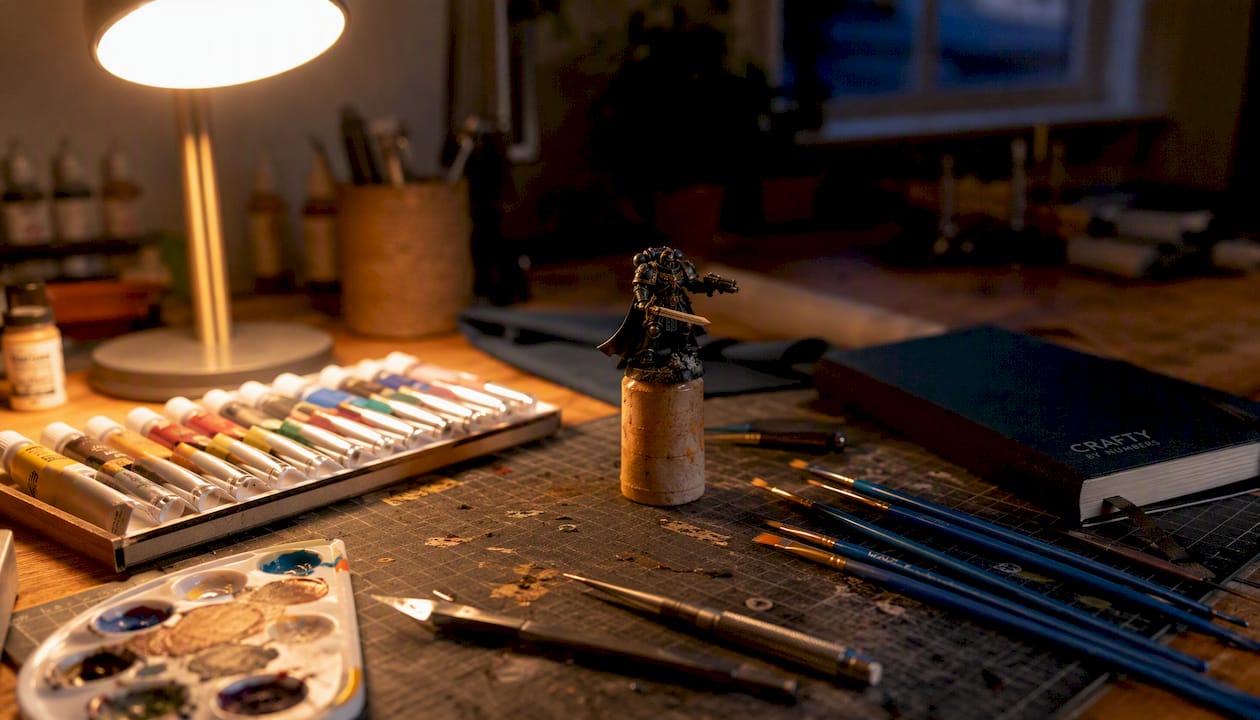
Pro Tip: Run a session timer every time you paint, even casually. After ten sessions, you’ll have real data on how long each stage actually takes. That number is what you quote when pricing commission work — not a guess.
How do metrics and gamification help you beat the pile of shame?
Three metrics are worth tracking. Everything else is noise.
- Time-in-state: — How long a model sits at each stage before moving forward. The Painting Ledger tracks this explicitly, and it’s the metric that reveals where your workflow actually breaks down.
Tracking time-in-state is the most underused tool in hobby painting organization. If your models consistently stall at the basing stage, that’s not a motivation problem. It’s a workflow problem. Batch-process all your basing in one session across every stalled model, and your completion rate jumps without any extra effort.
Vitrine generates shareable infographics that visualize completion rates, painting velocity, and collection progress. A progress card showing your streak and recent velocity does two things: it gives you a reason to keep the streak alive, and it gives you something worth posting to a hobby community. Both are motivating in different ways.
The Painting Ledger uses achievements and streaks to make backlog reduction feel manageable rather than crushing. That psychological reframe matters. A 200-mini backlog is paralyzing. “Paint one model this week and extend the streak” is not.
Pro Tip: Once a month, sort your project list by time-in-state. The models that have been sitting at the same stage for 30+ days are your bottleneck. Batch-paint just that stage across all of them in one session. It clears the log jam faster than any other single tactic.
Practical ways to track your paint inventory and swatches
Paint inventory tracking doesn’t need to be elaborate. Four approaches, in order of effort:
- In-app arsenal: Most hobby apps let you log every paint you own by brand and code. The best ones flag when a paint is used in a recipe so you know what you can’t afford to run out of.
- Spreadsheet inventory: A simple tab in your project spreadsheet with columns for brand, code, color name, quantity (full/half/low/empty), and last-used date.
- Physical swatch cards: Index cards with a painted swatch, the paint name, code, and dilution ratio written underneath. File by brand or by army/scheme.
- Photo swatch log: Photograph swatches under consistent lighting (daylight bulb, same angle) and store them in a dedicated folder linked to your project entries.
For swatches to be useful, standardize them. Same card size, same lighting, same format every time. A swatch that was painted under warm incandescent light looks nothing like the same paint under daylight, and you’ll waste time second-guessing matches. Vitrine stores recipes with mix ratios and step photos, which is the digital equivalent of a well-organized swatch library.
Pro Tip: Group your paints by scheme or army, not by brand. When you sit down to paint your Chaos Space Marines, every paint for that project should be in one tray or section of your rack. Hunting across four brands alphabetically mid-session kills momentum.
On costs: a basic paint collection for a single army typically varies depending on brand and range. Paints generally last multiple years with regular use before drying out or separating beyond recovery. Factor that into your supply budget rather than treating paint as a one-time purchase.
How to set up your workstation to make starting easier
The workstation isn’t about aesthetics. It’s about reducing the time between “I want to paint” and “I’m painting.” Every extra minute of setup is a reason to skip the session.
A low-friction quick-access layout:
- In-use paint rack: A small modular rack holding only the paints for your current project. Modular systems that accommodate 15ml–22ml dropper bottles and allow vertical expansion work well for this, especially in shared household spaces where the setup needs to move.
- Session tray: One tray holding your water pot, palette, and the minis you’re working on. Everything for the session in one place, ready to carry to the table and carry back.
- Dedicated photo spot: A fixed corner with consistent lighting. A small lightbox or a daylight bulb aimed at a neutral background. Takes 10 seconds to use when it’s already set up.
- Brush storage: A premium brush set stored upright in a holder, not lying flat. Flat storage bends bristles over time.
For detail work, a magnifying glass reduces eyestrain significantly during long sessions, especially for faces, eyes, and fine edge highlights. It’s one of those tools that feels optional until you’ve used it for a week.
Professional brushes matter more for commission work and fine detail than for basecoating. Keep a dedicated detail brush separate from your basecoat brushes and replace it when the tip splits. A split-tip detail brush costs you time, not just quality. Proper workspace lighting and setup makes a bigger difference than most painters expect.
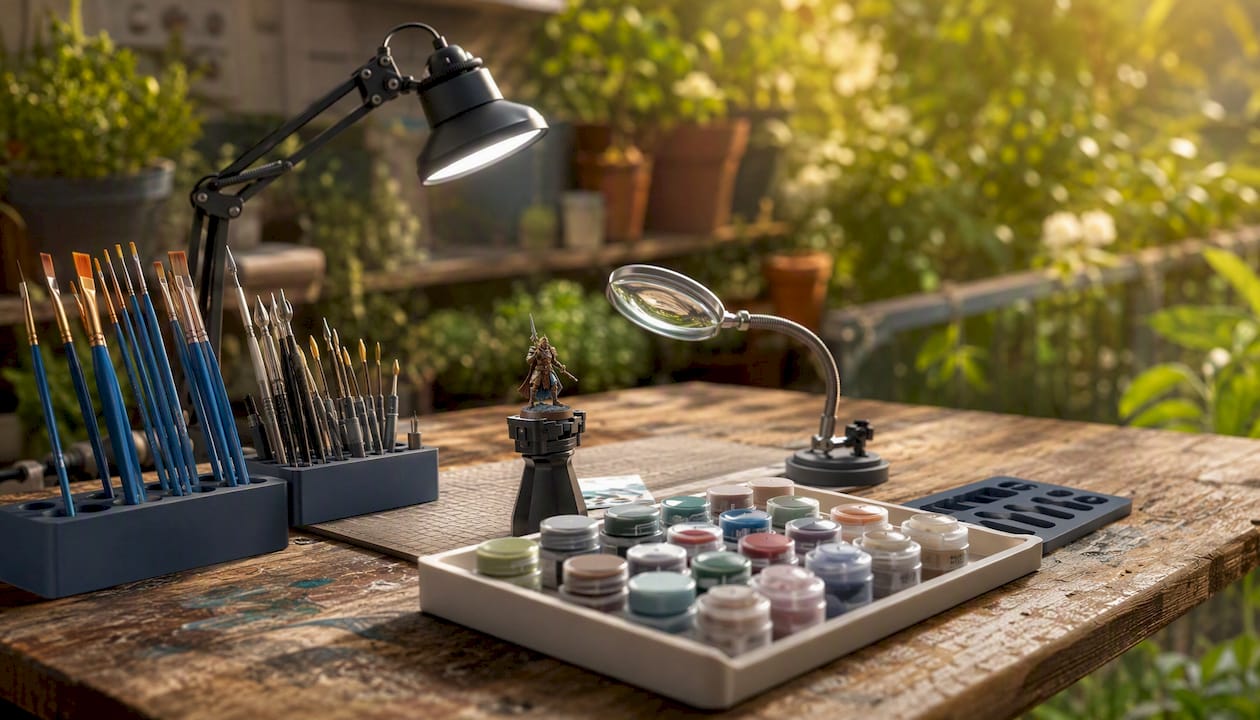
Pro Tip: Use tool-free modular components wherever possible. If clearing your workstation takes more than two minutes, you’ll avoid doing it — and a workstation that can’t be cleared doesn’t get used in shared spaces.
How do you choose between an app, a spreadsheet, or a hybrid system?
Run through these questions. Your answers point directly to an approach.
- How many minis are you tracking? Under 20: a spreadsheet or simple app. Over 50: an app with inventory support or a structured spreadsheet with multiple tabs.
- Do you do commission work? Yes: you need session timers and logged hours. An app with timer support is worth the cost.
- Do you want shareable stats or community feedback? Yes: prioritize apps with infographic exports and community features.
- Do you paint in a shared space that needs to be cleared regularly? Yes: a mobile app beats a desktop spreadsheet, and a modular physical setup beats a fixed one.
- How much do you want to spend? Free options exist for all three approaches. Paid hobby apps typically run under $15/year.
Setup time is honest: a spreadsheet takes 10–20 minutes to configure from scratch, or under five minutes if you copy the field names above. A hobby app takes 5–15 minutes to set up a first project. A physical workstation with modular storage runs $20–$80 for basic components.
On data privacy: most hobby apps store data in the cloud, which means your project history is accessible from any device but depends on the app staying live. If data ownership matters to you, a local spreadsheet with a manual backup is the safer choice. Export a CSV copy monthly and store it somewhere you control.
For community accountability, sharing finished work and posting progress cards to hobby forums or Discord servers adds an external motivation layer that solo tracking can’t replicate. Knowing someone else will see the update makes it harder to skip the log.
Key Takeaways
Consistent, low-friction tracking is the single most reliable way to finish more minis and shrink the pile of shame.
| Point | Details |
|---|---|
| Pick one system and start | Choose an app, spreadsheet, or hybrid based on scale and goals; setup takes 5–20 minutes. |
| Log session time every time | Actual hours per project make commission pricing accurate and reveal where your workflow stalls. |
| Track time-in-state monthly | Sort by stalled stage and batch-process it; this clears backlogs faster than any motivation tactic. |
| Keep in-use paints accessible | A small modular rack for current-project paints removes the friction that prevents sessions from starting. |
| Craftybynumbers kits for quick wins | Paint-by-numbers kits offer a structured, fast-finish project that pairs well with any tracking system. |
The tracking habit that actually changed how I paint
Most painters I talk to have tried tracking and quit. Not because tracking doesn’t work, but because they set up a system that required too much maintenance. A 20-field spreadsheet updated after every session sounds thorough. In practice, it becomes a chore that competes with the painting itself.
What actually works is simpler than most guides suggest. A stage field, a photo, a session time, and one sentence of notes. That’s four data points. Four data points logged consistently over three months will show you your painting velocity, your bottleneck stage, and a visual record of real progress. That’s more useful than a perfect system you abandoned in week two.
The pile of shame shrinks when finishing becomes predictable, not when tracking becomes perfect. Consistent logging beats perfect logging, every time. If you miss a session, log the next one. If you forget the photo, take one now. The log doesn’t need to be complete to be useful.
For painters who want to improve their technical output alongside their tracking habit, improving painting accuracy is worth reading alongside any system you set up. Better technique and better tracking compound.
A low-friction project that fits any tracking system
If you’re building a tracking habit and want a project that delivers a satisfying finish without the complexity of a multi-part miniature kit, Craftybynumbers paint-by-numbers kits are worth considering. Each kit comes with a numbered canvas, matched acrylic paints, and brushes, so the color decisions are already made. That means your tracking entry has one stage, one paint set, and a clear finish line.
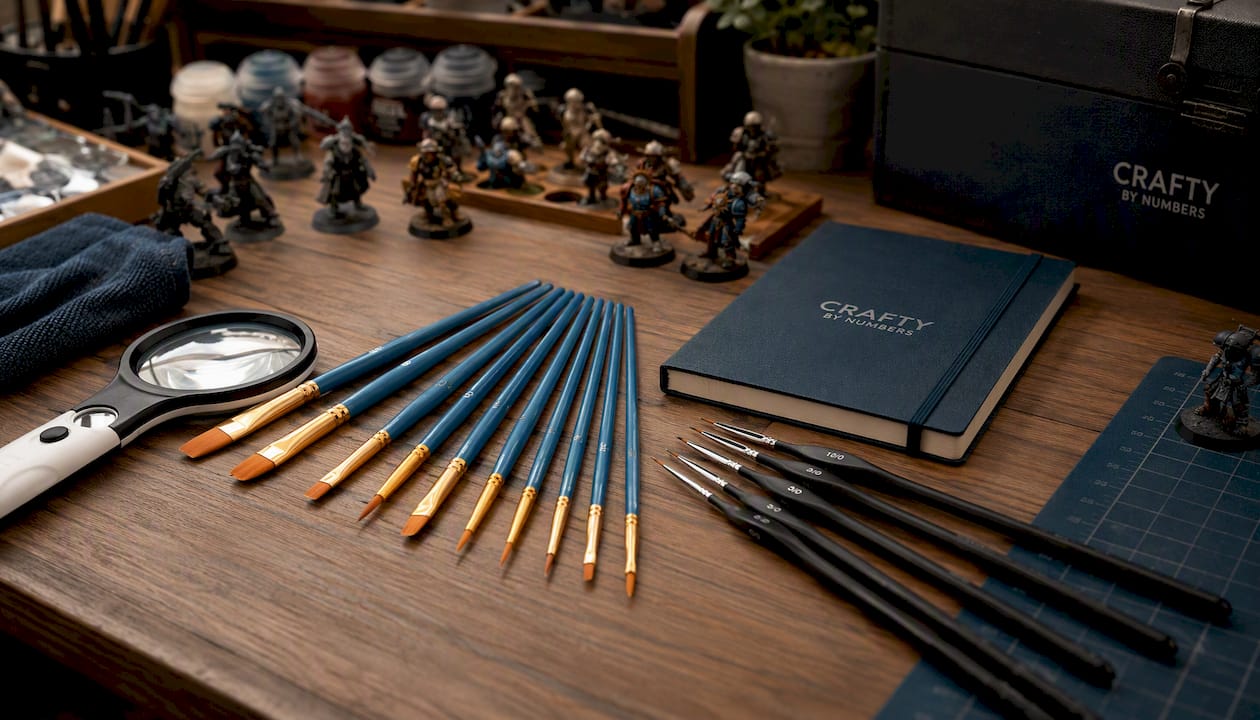
For hobbyists who want to sharpen brush control between miniature projects, Craftybynumbers kits offer a low-stakes way to practice without risking a model you’ve already primed. The Premium Paint Brushes (Set of 10) and professional-grade brushes available through Craftybynumbers work equally well for kit painting and miniature work, so they’re a practical addition to any session kit. A magnifying glass helps with fine detail sections in both formats.
These kits aren’t a replacement for miniature painting. They’re quick-win projects you can log, finish, and display in a single weekend, which is exactly the kind of momentum that keeps a tracking habit alive. Browse the full range at Craftybynumbers and find a kit that fits your next session.
FAQ
What fields should every miniature painting project entry include?
At minimum: project name, unit name, current stage, paints used (brand and code), a photo link, session time, and date started. Recipe notes and estimated remaining time are worth adding once you’re past the first five entries.
Which hobby tracking apps do miniature painters recommend?
Basecoat, The Painting Ledger, and Miniature Portal are three actively developed options with strong community followings. Each offers a free tier, with paid upgrades for features like unlimited model tracking, AI color analysis, or detailed session statistics.
How do I stop projects from stalling mid-way through?
Track time-in-state: how long each model sits at a given stage without moving forward. When you spot a pattern (basing is always where things stop), batch-process that stage across all stalled models in one session. It’s the fastest way to clear a backlog.
Is a spreadsheet good enough, or do I need a dedicated app?
A spreadsheet with the right fields covers everything a casual painter needs and costs nothing. A dedicated app adds value when you want session timers, shareable stats, or paint inventory management built in. Both work; the best one is whichever you’ll open at the start of every session.
How long does a typical miniature project take to finish?
A single infantry model takes most painters 1–4 hours across multiple sessions, depending on detail level and technique. A full squad of 10 runs 10–40 hours. Logging session time from the start gives you real data within a month, which is more useful than any estimate.
0 comentarios