

Photo conversion to painting is the process of transforming a photographic image into an artwork that mimics traditional painting styles, either through AI algorithms or skilled manual techniques. Understanding how photo conversion to painting works helps you choose the right method for your creative goals, whether you want a quick digital print or a hand-crafted oil portrait. Both paths produce genuinely beautiful results. The difference lies in speed, cost, texture, and the depth of artistic involvement. This guide covers both approaches in full, so you can make an informed choice and get the best possible outcome from your photo.
How does AI transform photos into paintings?
AI converts a photo into a painting through a process called neural style transfer. The algorithm separates the content of your image (shapes, faces, objects) from its style (brushstrokes, color palette, texture), then rebuilds the image using learned artistic patterns. This is not a simple filter overlay. AI style transfer generates images from scratch with baked-in brushstrokes and textures, mimicking physical media convincingly.
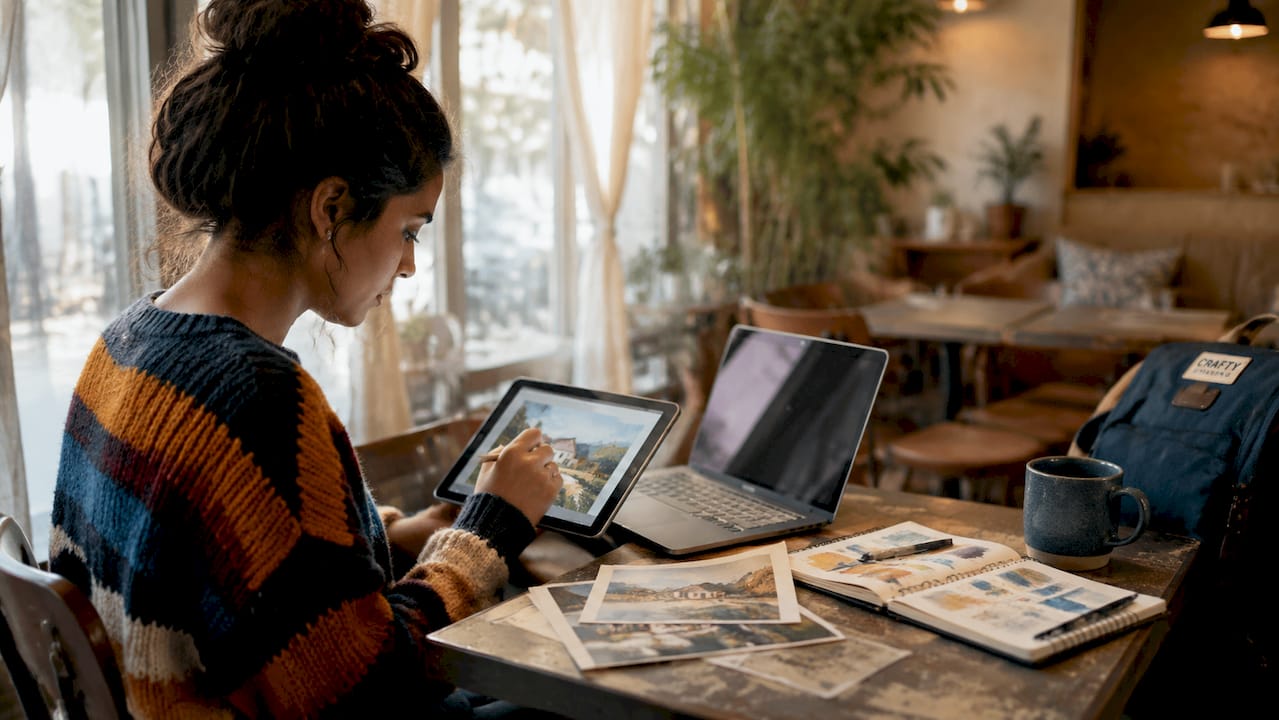
Modern tools also use diffusion models, which work by progressively refining a noisy image toward a target artistic style. The result is a painting that carries the visual weight of oil, watercolor, or charcoal without a single brush touching canvas. Specific style-transfer prompts describing medium, lighting, and pigment effects produce significantly better outputs than generic filters. Prompt engineering is the real skill in digital art conversion.
The typical workflow for turning photos into paintings with AI looks like this:
- Upload your photo in JPEG, PNG, or HEIC format, up to 20MB in size
- Select a painting style: oil, watercolor, impressionist, sketch, or charcoal
- Write or select a style prompt that describes the mood, medium, and lighting
- Preview the output and adjust the prompt if the likeness or style needs refinement
- Export the final file at high resolution for printing
AI processing takes 15–30 seconds, compared to the weeks or months a manual painting requires. That speed makes digital conversion accessible to anyone, regardless of artistic skill.
Pro Tip: When writing a style prompt, include the specific medium (“thick oil impasto”), the lighting (“warm afternoon light”), and one color note (“muted earth tones”). Those three details alone lift the output from generic to gallery-ready.
What does the traditional manual process involve?
Hand-painted photo to painting conversion follows a structured, layered process that no algorithm fully replicates. A skilled artist begins by studying the reference photo, then prepares a primed cotton canvas before applying an underpainting in a single neutral tone. That underpainting maps out the composition and establishes value relationships before any color goes down.
From there, the artist builds the painting in stages:
- Underpainting: Thin, fast-drying paint establishes light and shadow across the whole canvas.
- First color layer: Broad areas of color block in the main shapes and tones.
- Mid-tone development: The artist refines edges, adds transitions, and corrects proportions.
- Detail layers: Fine brushwork captures facial features, fabric texture, and highlights.
- Final glazing: Thin transparent layers deepen shadows and add luminosity to light areas.
- Varnishing: A protective coat seals the surface and unifies the sheen.
Hand-painted oil portraits require 5–12 layers, with several days of drying time between each. The full curing process takes 6–12 months. That timeline is not a flaw. It is the source of the painting’s physical depth and lasting texture.
Oil paint’s slow drying and long curing create a surface quality that digital methods cannot reproduce. Color depth changes subtly as the paint cures, and the raised texture of brushstrokes catches light differently at every angle. That is what makes a hand-painted portrait feel alive on a wall.
Pro Tip: If you are working with an artist on a manual portrait, ask for a photo of the underpainting stage. It confirms the composition is correct before weeks of detailed work go in on top.
Digital vs. manual: which method fits your project?
The core difference between digital and manual photo artwork transformation is not quality. It is the nature of the output. AI produces a flat image file. A hand-painted portrait produces a physical object with texture, weight, and history.
Speed and cost favor digital conversion by a wide margin. AI tools deliver a print-ready file in under a minute. A commissioned oil portrait takes weeks of active painting plus months of curing. The cost difference reflects that gap directly.
Printing AI-generated artwork on textured substrates like canvas improves realism and visual impact compared to flat paper. Canvas printing amplifies the impasto style that AI renders, making the final piece feel far more tactile and authentic. Choosing the right print medium is as important as choosing the right style prompt.
| Factor | AI digital conversion | Manual hand-painted |
|---|---|---|
| Processing time | 15–30 seconds | 2–4 weeks active work |
| Full completion | Hours to days (print) | 6–12 months curing |
| Cost range | Low to moderate | Moderate to high |
| Texture and depth | Simulated (print medium) | Physical, genuine |
| Skill required | Prompt writing | Years of painting practice |
| Uniqueness | Reproducible file | One-of-a-kind object |
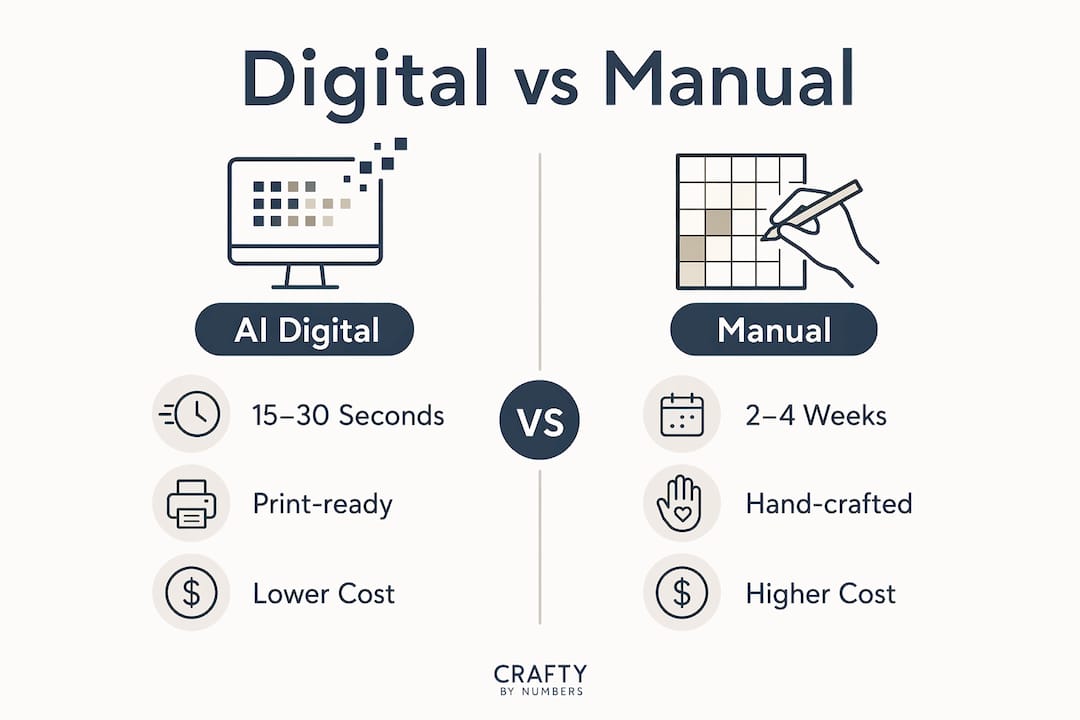
The right choice depends on your goal. A personalized gift or wall print suits digital conversion well. A family heirloom or formal portrait calls for a hand-painted original.
How to prepare your photo and choose the right style
Photo quality determines the ceiling of your result, whether you use AI or commission an artist. A blurry, low-light snapshot produces a muddy painting. A sharp, well-lit photo gives the conversion process real information to work with.
The best photos for conversion share these qualities:
- High resolution: At least 1,200 pixels on the shortest side for standard prints; larger for canvas
- Good lighting: Natural, even light with no harsh shadows across the subject’s face
- Clear subject: The main subject fills the frame rather than sitting small in a wide scene
- Simple background: Busy backgrounds compete with the subject and reduce painting impact
- Front-facing angle: For portraits, a slight three-quarter angle reads better than a flat frontal shot
Proper resolution scaling before printing prevents pixelation at large sizes. A file that looks fine on screen can fall apart at 16x20 inches on canvas. Always check the output resolution before ordering a print.
Style choice shapes the emotional tone of the final piece. Oil painting styles add warmth and formality. Watercolor creates a soft, airy feel. Charcoal sketch reads as dramatic and graphic. For beginners, the easiest painting styles to work with are those with clear tonal contrast and limited color ranges. Those same qualities make AI conversion outputs cleaner and easier to print.
Avoid the common mistake of choosing a style that fights the photo’s mood. A bright, cheerful family photo converted to a dark, dramatic oil style creates visual tension that feels off. Match the style to the emotional content of the image.
Creative ideas for hobbyists and art enthusiasts
Photo-to-painting conversion opens up a wide range of personal projects that go well beyond simple wall art. The most satisfying results come when hobbyists use the conversion as a starting point rather than a finished product.
Popular creative applications include:
- Custom portraits: Convert a favorite photo of a person, pet, or place into a framed painting for display
- Family keepsakes: Turn a group photo from a reunion or milestone event into a painted canvas that lasts generations
- Personalized gifts: A converted portrait makes a genuinely personal gift that no store-bought item can match
- Event art: Use AI conversion to create themed artwork for birthdays, weddings, or anniversaries
- Mixed media projects: Print an AI-generated painting on canvas, then add hand-painted details with acrylic or oil for a hybrid result
Combining AI conversion with hand painting is one of the most underused techniques in hobbyist art. You get the speed and accuracy of digital conversion for the base image, then add your own brushwork for texture, color adjustments, or personal details. That approach suits a family painting night perfectly. Everyone works from the same printed canvas but adds their own interpretation.
Displaying a finished canvas correctly makes a significant difference in how the artwork reads in a room. A stretched and framed canvas reads as fine art. A rolled print in a tube does not.
Key Takeaways
Photo conversion to painting works best when you match the method (AI or manual) to the project’s purpose, timeline, and budget, then prepare your source photo with care.
| Point | Details |
|---|---|
| AI speed advantage | AI converts a photo to a painting in 15–30 seconds; manual oil portraits take weeks plus months of curing. |
| Manual depth is physical | Hand-painted oil portraits use 5–12 layers and cure for 6–12 months, creating texture no digital file replicates. |
| Prompt engineering matters | Specific style prompts describing medium, lighting, and pigment effects produce far better AI outputs than generic filters. |
| Print medium affects realism | Printing AI art on canvas rather than flat paper significantly improves the tactile feel and visual impact. |
| Photo quality sets the ceiling | High resolution, good lighting, and a clear subject are the single biggest factors in conversion quality. |
Why I think most hobbyists underestimate the medium choice
Paula S.
Most hobbyists spend all their energy on the photo and the style selection, then order a flat paper print and wonder why the result looks like a screensaver. The medium is not an afterthought. It is half the artwork.
I have seen the same AI-generated oil painting printed on matte paper and on textured canvas side by side. They look like different pieces. The canvas version reads as a painting. The paper version reads as a photo of a painting. That gap matters enormously when you are putting something on a wall or giving it as a gift.
The other thing hobbyists consistently miss is the value of using AI conversion as a sketch layer for hand painting. You do not have to choose one or the other. Print your AI output on canvas at low opacity, then paint over it. You get accurate proportions and color blocking without the hours of setup. It is the same logic behind personalized art kits that use a pre-printed canvas as a guide. The structure is already there. You just add the human touch.
The future of photo-to-painting conversion is not AI replacing manual art. It is AI and manual techniques working together, each doing what it does best. Hobbyists who figure that out early produce work that genuinely surprises people.
— Paula S.
Craftybynumbers kits: where photo conversion meets hands-on painting
Craftybynumbers takes the photo-to-painting concept one step further by turning your uploaded photo into a custom paint-by-numbers kit. You get a pre-printed canvas with your image already mapped into numbered sections, along with high-quality acrylic paints and detail brushes matched to your photo’s color palette.
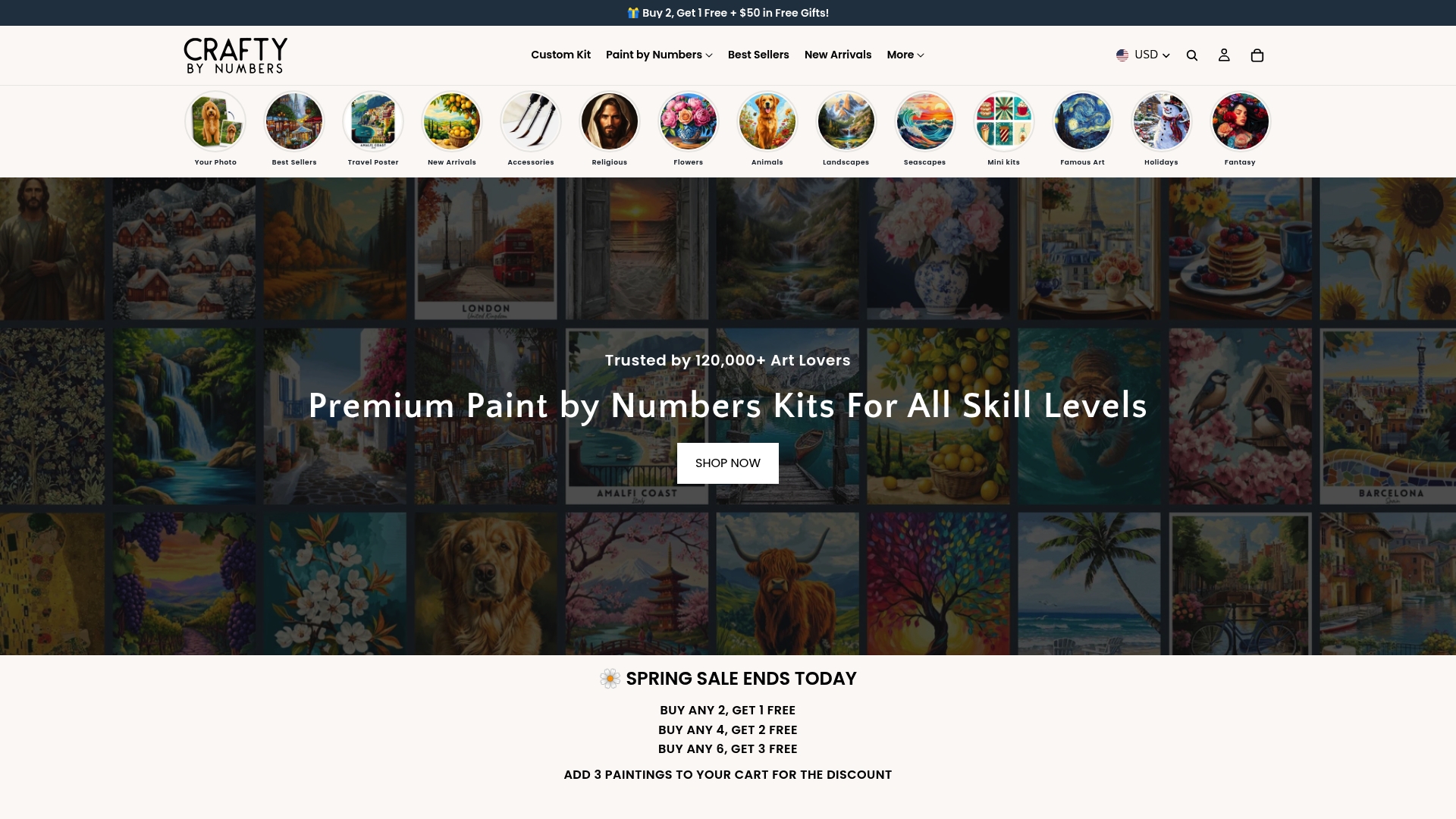
The process bridges digital conversion with the satisfaction of painting by hand. You do not need prior experience. The numbered canvas guides every brushstroke, and the result is a finished painting you created yourself. Over 120,000 customers have used this approach to turn personal photos into wall-ready art. The custom paint-by-numbers kit is the most direct way to go from a photo on your phone to a painting on your wall, with your own hands doing the work.
FAQ
How does photo conversion to painting work?
Photo conversion to painting works by either using AI neural style transfer to rebuild the image with artistic textures and brushstrokes, or by having a skilled artist manually recreate the photo in layers using oil or acrylic paint.
How long does AI photo to painting conversion take?
AI tools convert a photo to a painting in 15–30 seconds. Manual oil paintings take 2–4 weeks of active layering plus 6–12 months of curing time.
What photo format works best for AI conversion?
Most AI tools accept JPEG, PNG, and HEIC formats up to 20MB. High-resolution, well-lit, front-facing photos consistently produce the best results.
Does printing on canvas really improve AI art quality?
Printing on textured canvas significantly improves the realism of AI-generated paintings compared to flat paper. Canvas amplifies the impasto and brushstroke effects that AI renders into the image.
Can I combine AI conversion with hand painting?
Printing an AI-generated painting on canvas and then adding hand-painted details with acrylic or oil paint is a practical hybrid approach. It gives you accurate proportions from the AI layer and genuine texture from your own brushwork.
0 comments